Try it for yourself! A component of the GuiXT Developer Tool kit, GuiXT Designer is NOW available to try for 15-days as a free trial. Use GuiXT Designer to make changes to standard SAP screens on the fly and see immediate results.
Get started right away! Just fill out the following form:
What You Get
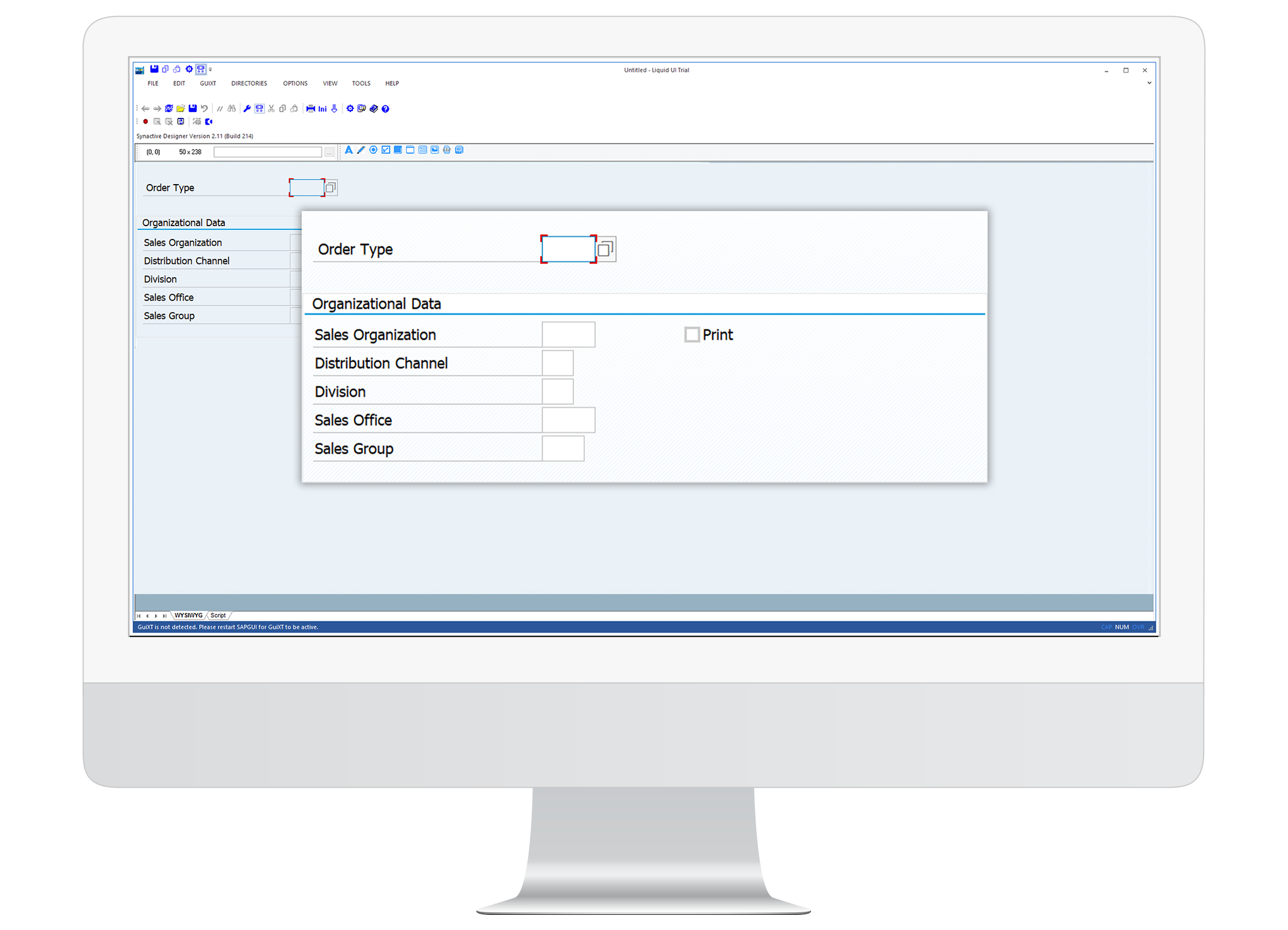
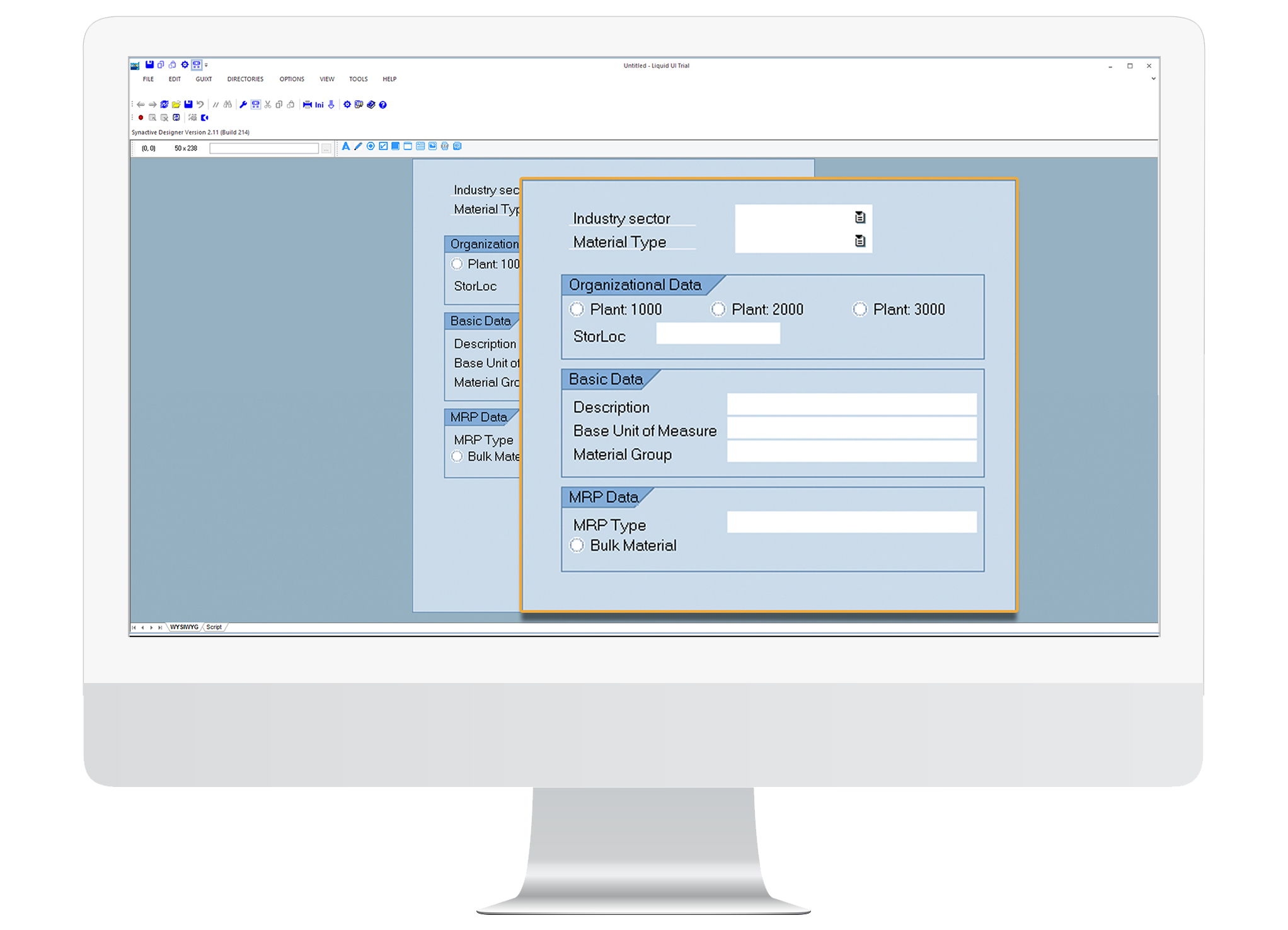
Without writing any code, GuiXT Designer allows screen layout changes to be made using WYSIWYG technology. Highlights include:
Start from any SAP transaction (standard or custom) and use the WYSIWYG capabilities to:
Modify views, change positions, and delete fields or groups of fields.
Add push buttons, radio buttons, input fields, group boxes, and images.
Modify on-screen text and add tips.
Script files are generated automatically, which can be manually edited with Script Editor.
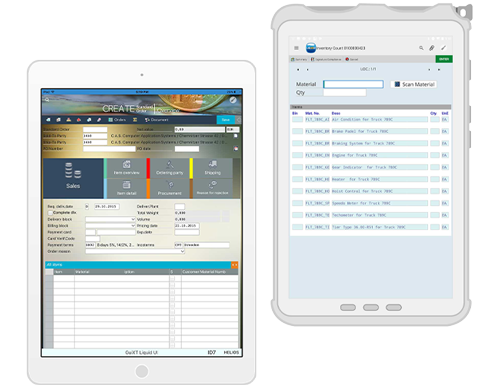
Reuse scripts for other licensed products (Desktop, WebUI, Mobile (handhelds/rugged PCs), Access (smartphones/tablets)).
Toggle between two modes: Script view and WYSIWYG view.
System Requirements
To install GuiXT Designer, ensure target system can support the installation. Host system can be any of the following Microsoft operating systems:
Windows XP, Windows Vista, Windows 7, Windows 2003 Server, Windows 2008.